
 Deutsch
 English
 Español
 Français
 Italiano
 Nederlands
 Türkçe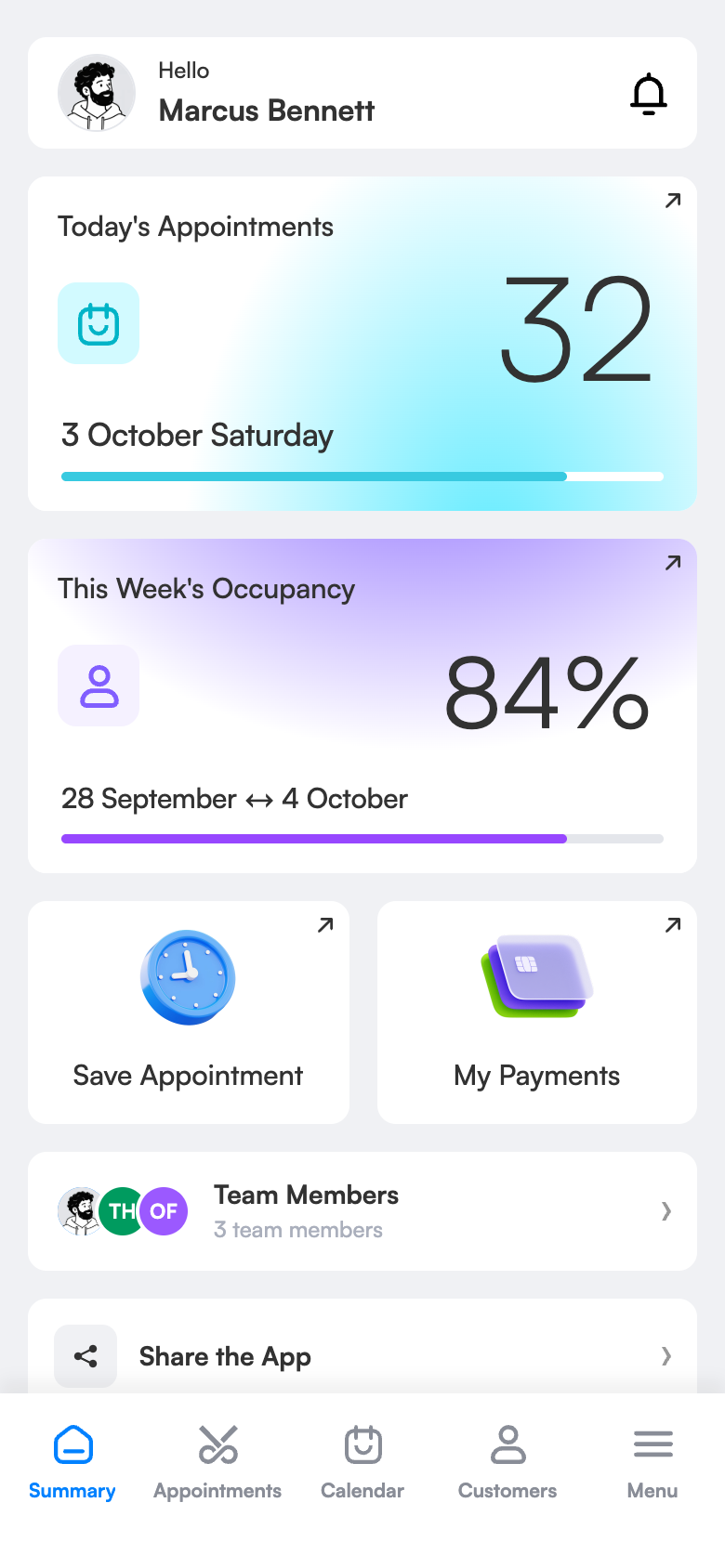
Online booking system: let your clients book 24/7 on their own.
Open online booking for your hair, barber or beauty salon with 3 Numara. Clients see your free times, choose the staff member and service and book themselves; the appointment lands in your diary automatically and the details go out via WhatsApp. Phone and walk-in bookings you still record as usual.
However a booking comes in, it lands in the same calendar.
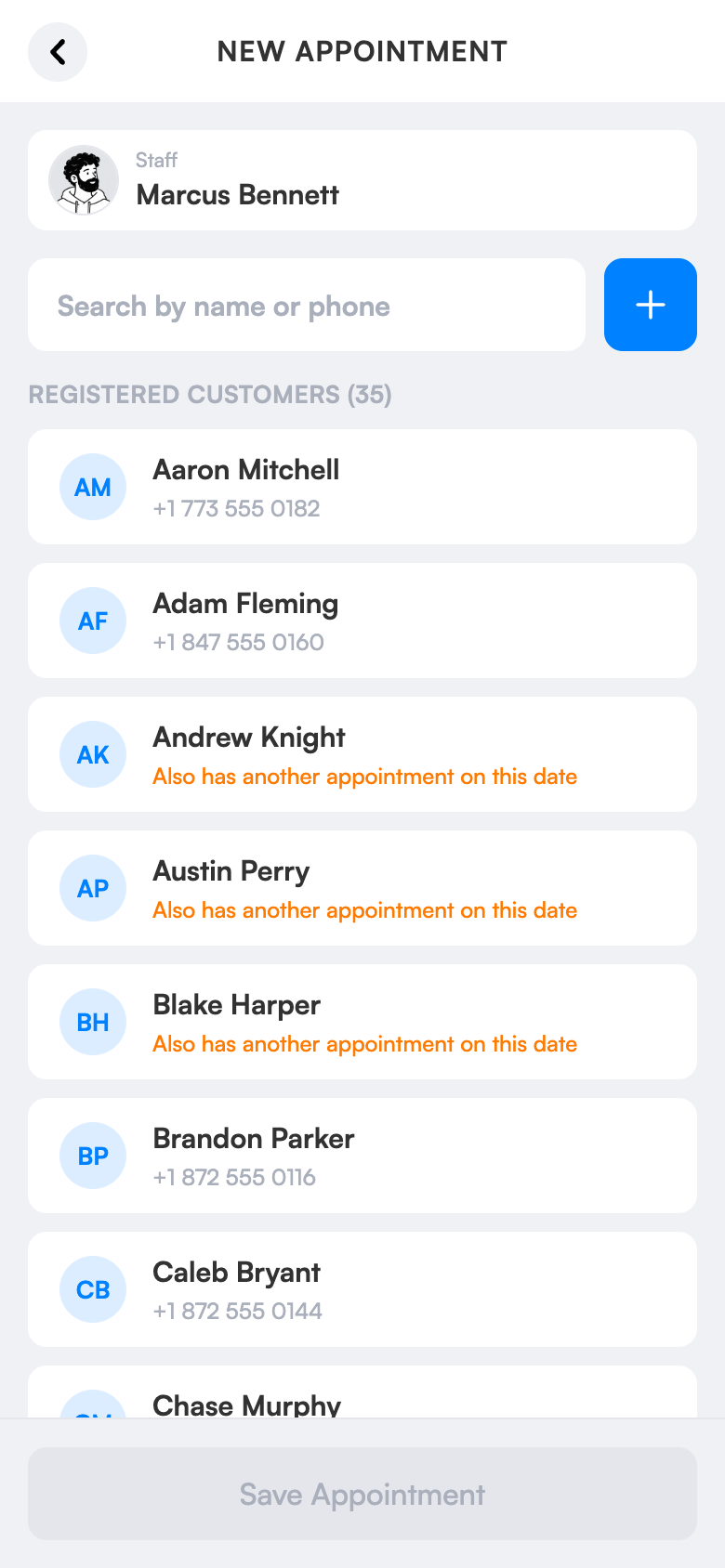
Online booking doesn’t change your habits. You still record phone and in-person bookings yourself; a second door opens for clients who want to book from the app. All on one screen, without clashes.
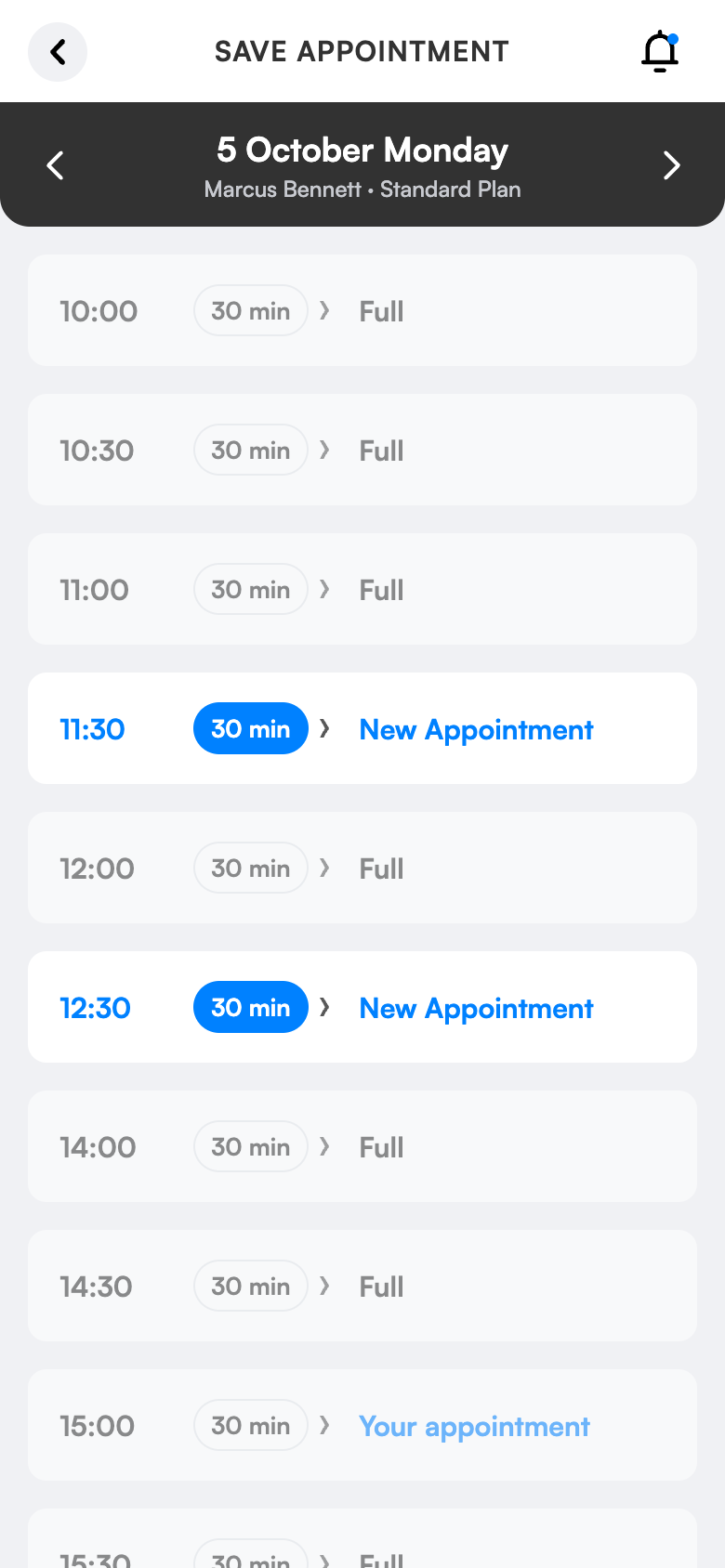
Your client books in four steps.
In the free 3 Numara app they find your salon, see your services and team and pick a free time. The booking lands in your calendar automatically; the info message and directions go to their WhatsApp.
Open day and night
Requests that arrive when the salon is closed don’t wait till morning.
Directions in one tap
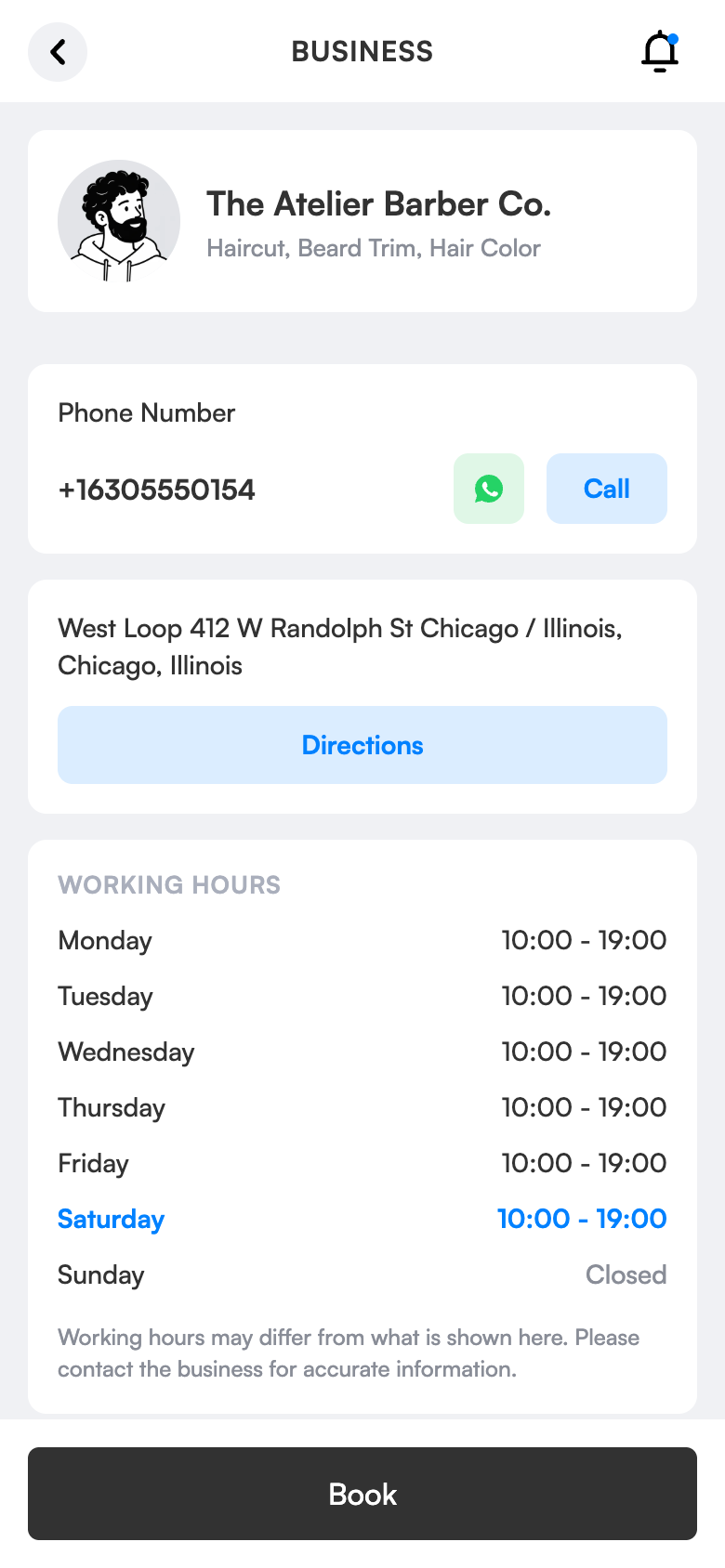
The client gets map directions from your salon page.
No clashes
30-second lock: two people can’t take the same slot.
What does it bring to your salon?
Every call you can’t answer may be a lost client. Online booking keeps your salon open even while you’re busy; phone and walk-in bookings sit in the same diary without clashes.
Bookings even when the salon is closed
Requests that come in at night don’t wait till morning; your diary opens full.
Don’t drop what you’re doing
Clients don’t call mid-cut; they pick their own time.
Let new clients find you
Appear to people searching by city, district and speciality, with your location, services and prices.
You stay in control
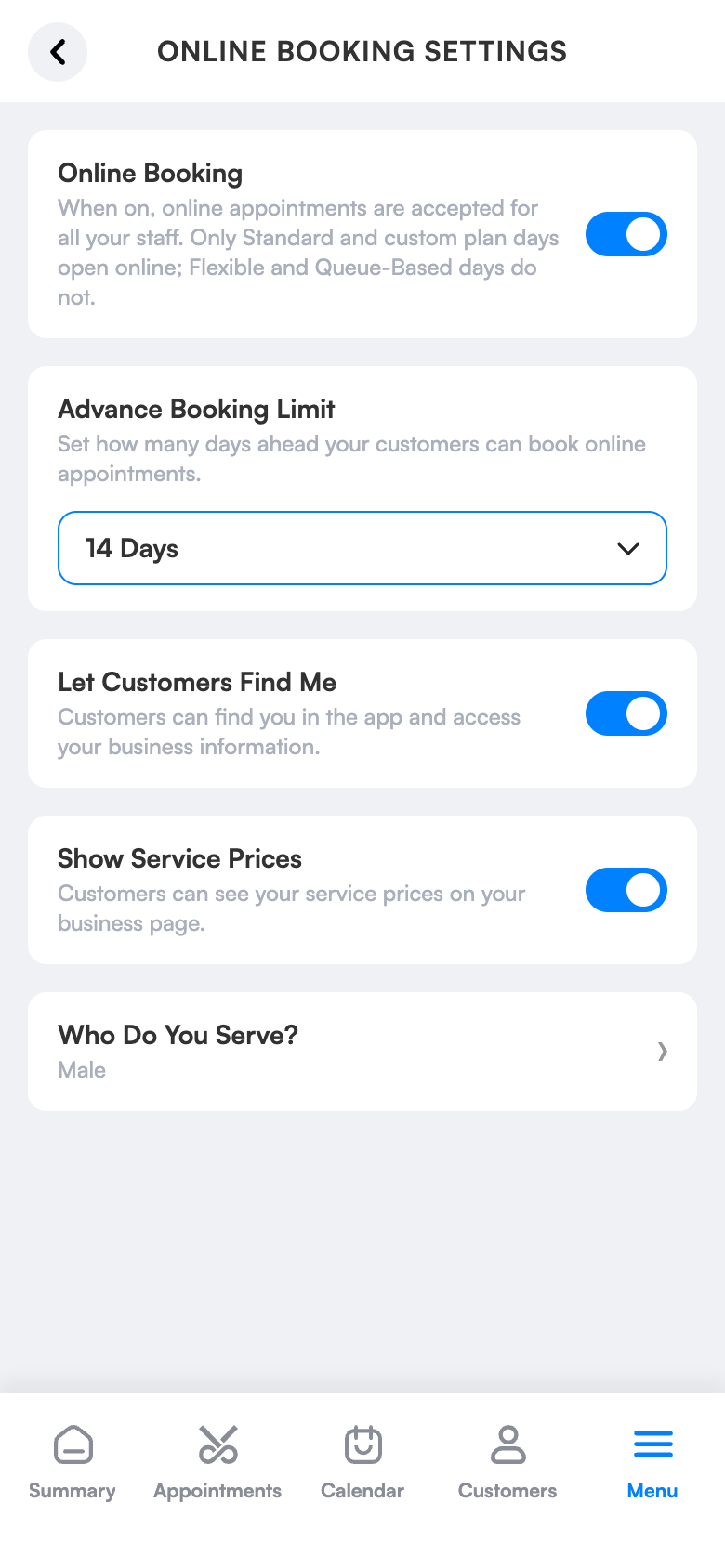
You choose how many days ahead bookings open and whether prices are visible.
No two people on the same slot
30-second booking lock: while one person picks a time, nobody else can take it.
Let your client get directions
Your address and map location are on your salon page; the client gets directions in one tap and you never have to explain the way.
One client record
The client’s account matches the record you created, by phone number.
Simple screens, everything one tap away.
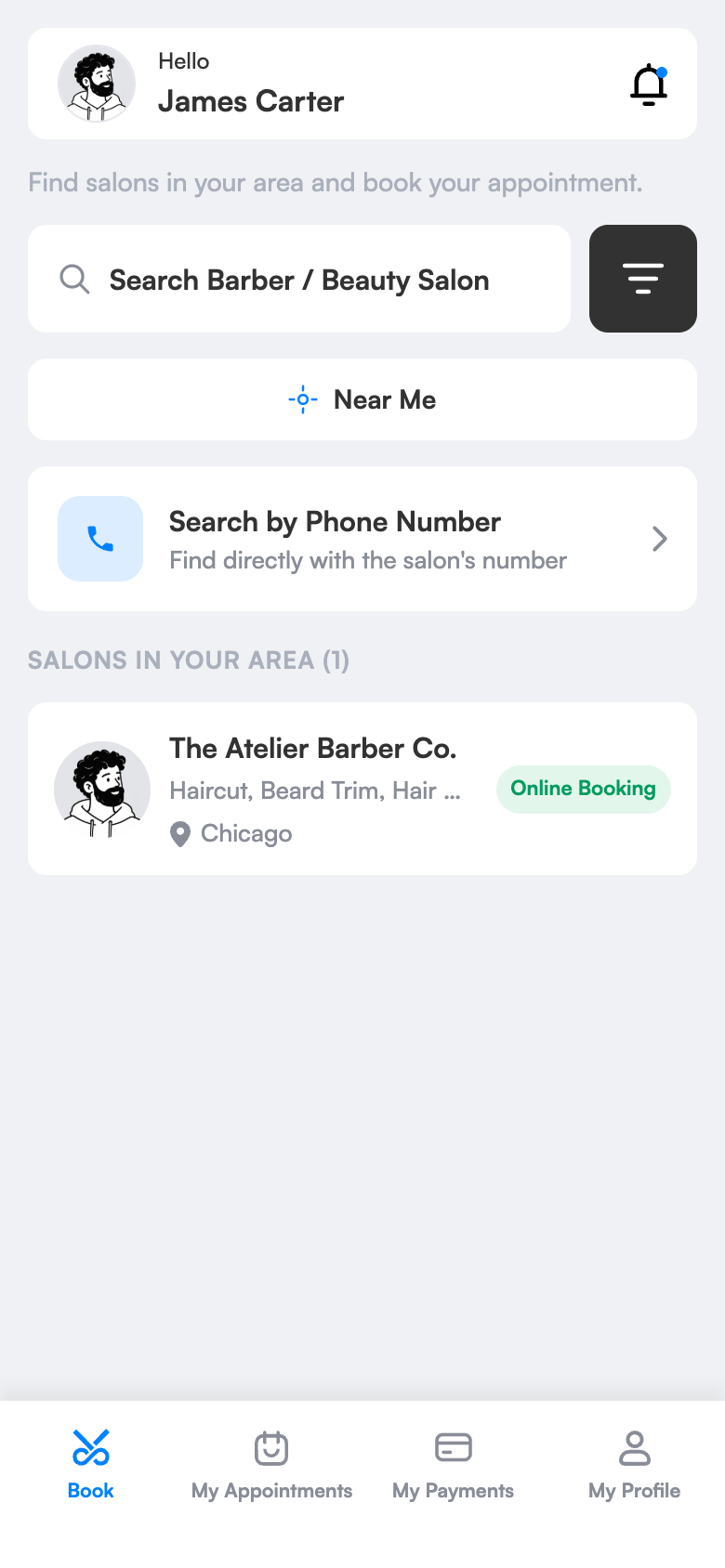
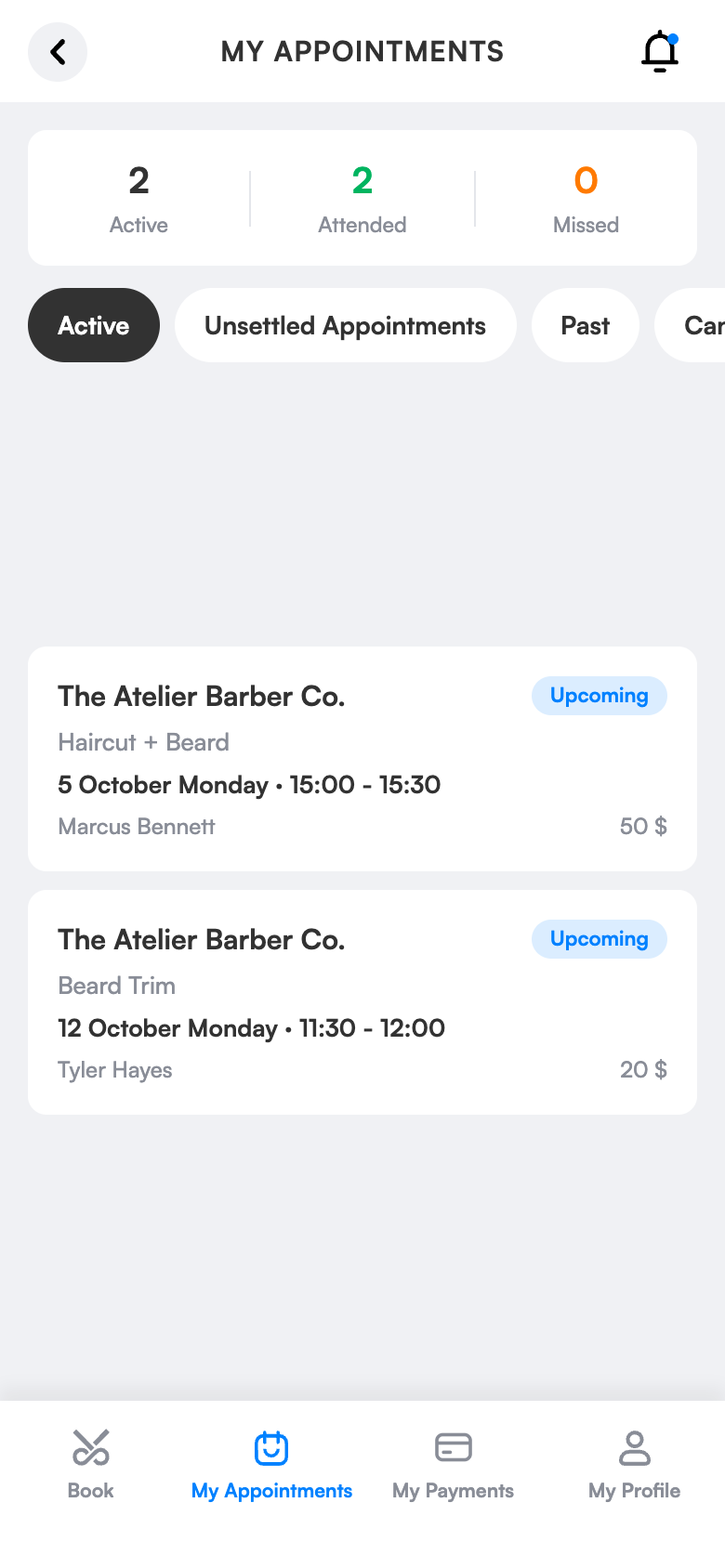
Ready in three steps.
No technical knowledge or training is needed for setup. Configure once and the rest runs by itself.
Try 1 month freeTurn on online booking
Turn on online booking in settings and choose how many days ahead bookings open.
Complete your salon profile
Address, map location, photos, services and prices.
Clients find you and book
The client chooses staff, day and time; the booking lands in the diary and the details go out via WhatsApp.
What is an online booking system and what does it bring to salons?
An online booking system is a digital channel that lets clients see your salon’s free times and book without phoning. In 3 Numara you turn it on in salon settings; the client finds your salon in the app and chooses service, staff, day and time.
Every incoming booking lands in the same diary as the ones you write by hand. Two people can’t take the same slot; while a client picks a time, a 30-second reservation lock protects it. So there are no double bookings or confusion.
Online booking doesn’t change your routine, it adds a channel. You record the booking of a client who phones in a few taps; you decide how many days ahead bookings open and whether prices are visible.
Online booking, which salons is it right for?
Hair salons
In busy hours you have to look after a client while the phone rings. Online booking lets clients who can’t or won’t call book themselves in the evening; you check your diary in the morning and plan the day.
Barbers
A call that comes while you hold the scissors is either missed or interrupts the work. When clients pick their own time, phone traffic drops and the flow of the shop isn’t disturbed.
Beauty and care centres
For long treatments such as skin care, manicure or laser, finding the right free time is hard. Because service durations are defined, the client only sees free times long enough for that treatment.
One-person businesses
Without hiring a receptionist, you set up a booking channel that’s open at night and weekends. Clients book even while asleep and you start the morning with a ready diary.
The difference between the old way and 3 Numara.
FAQ
Does my client have to download the app?
No. Clients who want to book online use the app; you record bookings for your other clients and the notification goes out via WhatsApp.
Do phone and online bookings get mixed up?
No. Both land in the same diary; two bookings can’t share a slot, so your calendar stays single and tidy.
Will I know when an online booking comes in?
Yes. A new online booking reaches your notification centre instantly, and the client receives the details on WhatsApp.
Can the client see which staff member to choose?
Yes. The client chooses staff, day and time; only that employee’s free times are shown.
Can I turn online booking off later?
Yes, you can turn it on or off any time in the online booking settings, and you decide how many days ahead bookings open.
How does an online booking system work for hairdressers?
You complete your salon profile and turn on online booking. The client finds your salon in the 3 Numara app, chooses staff and a free time; the booking lands in your diary and the details go to the client on WhatsApp.
Is there an extra charge for online booking?
Online booking is included in your plan. The app is free for your clients; you only use WhatsApp message credit if you want to.
Can I record bookings myself too?
Yes. You record phone and in-salon bookings in a few taps as usual; online booking is added as a second channel.
Why can’t a client book, no times are showing?
Times are shown based on your work schedule, the employee’s leave and special-day settings and existing bookings. Just check the schedule and open days.
How many days ahead can bookings be made?
You set the advance booking window and whether prices are visible in the online booking settings.
Bookings fill up on their own while you work.
The client opens the app before bed and picks Saturday 14:30. It lands in your diary.
The booking details go to the client instantly on WhatsApp.
On Saturday the reminder goes out 2 hours before; the client arrives with directions.
Let your clients start booking tonight.
Try 1 month free; setup takes 10 minutes, no commitment.