
 Deutsch
 English
 Español
 Français
 Italiano
 Nederlands
 Türkçe
Team management: you define staff roles and permissions.
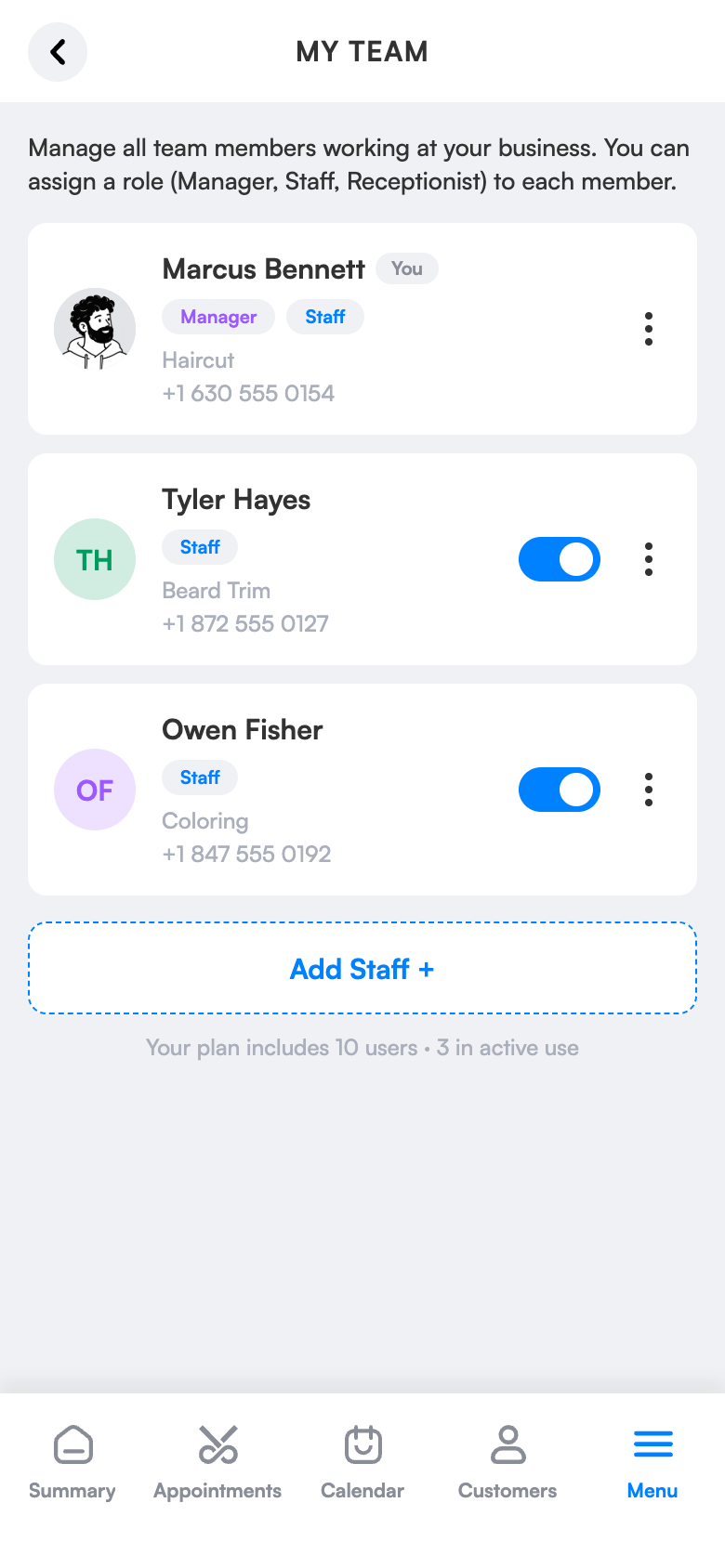
With manager, employee and receptionist roles, everyone sees only their own screen. Each employee has their own schedule and calendar; reception books for everyone and you watch the whole salon from one screen.
The manager sees everything
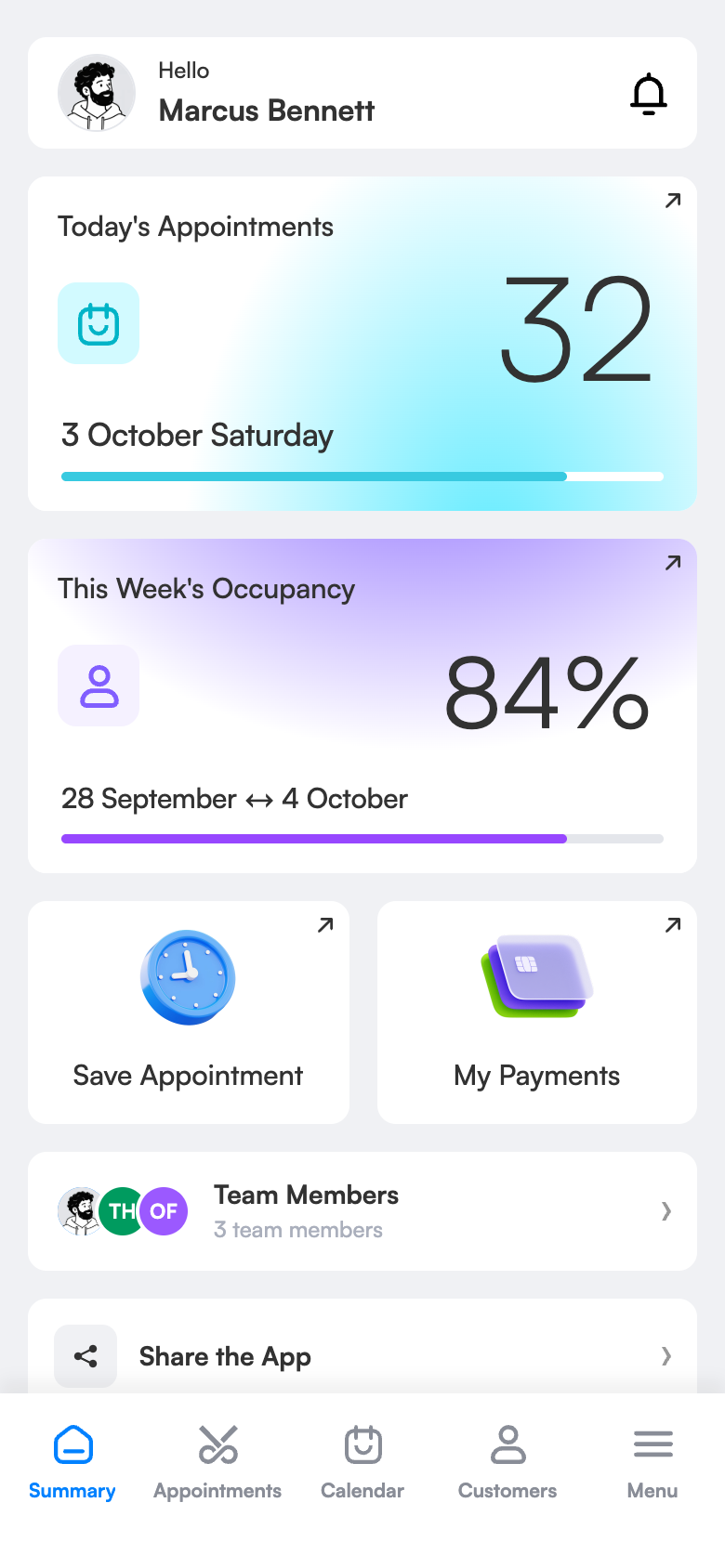
The whole team’s appointments, payments and occupancy.
Reception at ease
All employees’ appointments on one screen.
Staff see themselves
Their own appointments, their own payments.
What does it bring to your salon?
In a single diary five people’s bookings get mixed up and everyone sees everything. With roles everyone minds their own work, and you grow the salon without losing control.
Managers see everything
The whole team’s appointments, payments and occupancy.
Make reception’s life easy
All employees’ appointments on one screen.
Staff see only themselves
Their own appointments, their own payments.
A new employee starts in minutes
Invite by phone or e-mail; assign a colour and speciality.
Keep the history
Deactivate a departing employee; records are kept.
Simple screens, everything one tap away.
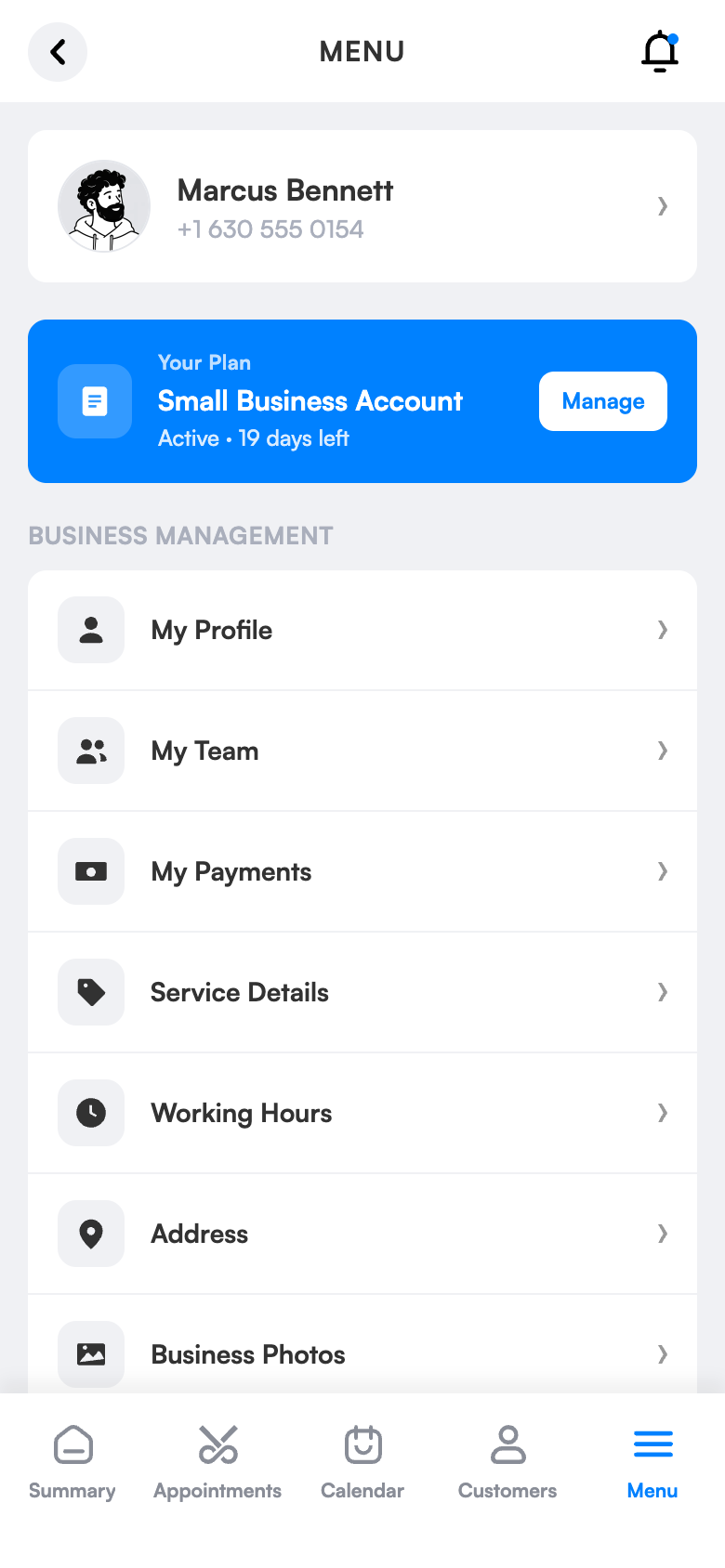
Ready in three steps.
No technical knowledge or training is needed for setup. Configure once and the rest runs by itself.
Try 1 month freeInvite your team
By phone or e-mail.
Assign role and schedule
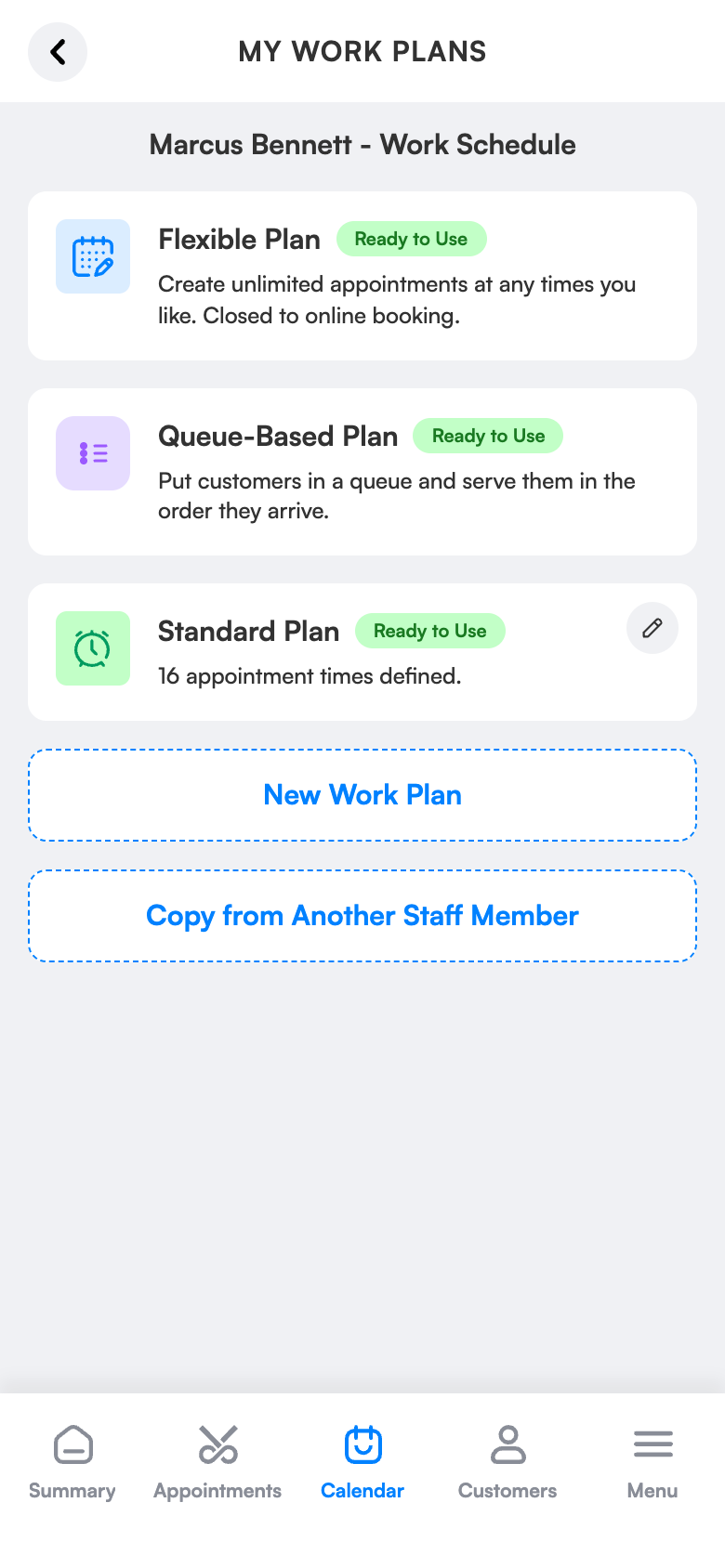
Manager, employee or receptionist; a work schedule for each.
Watch from one screen
Who is how booked, who collected how much.
The same screen on your computer.
Team management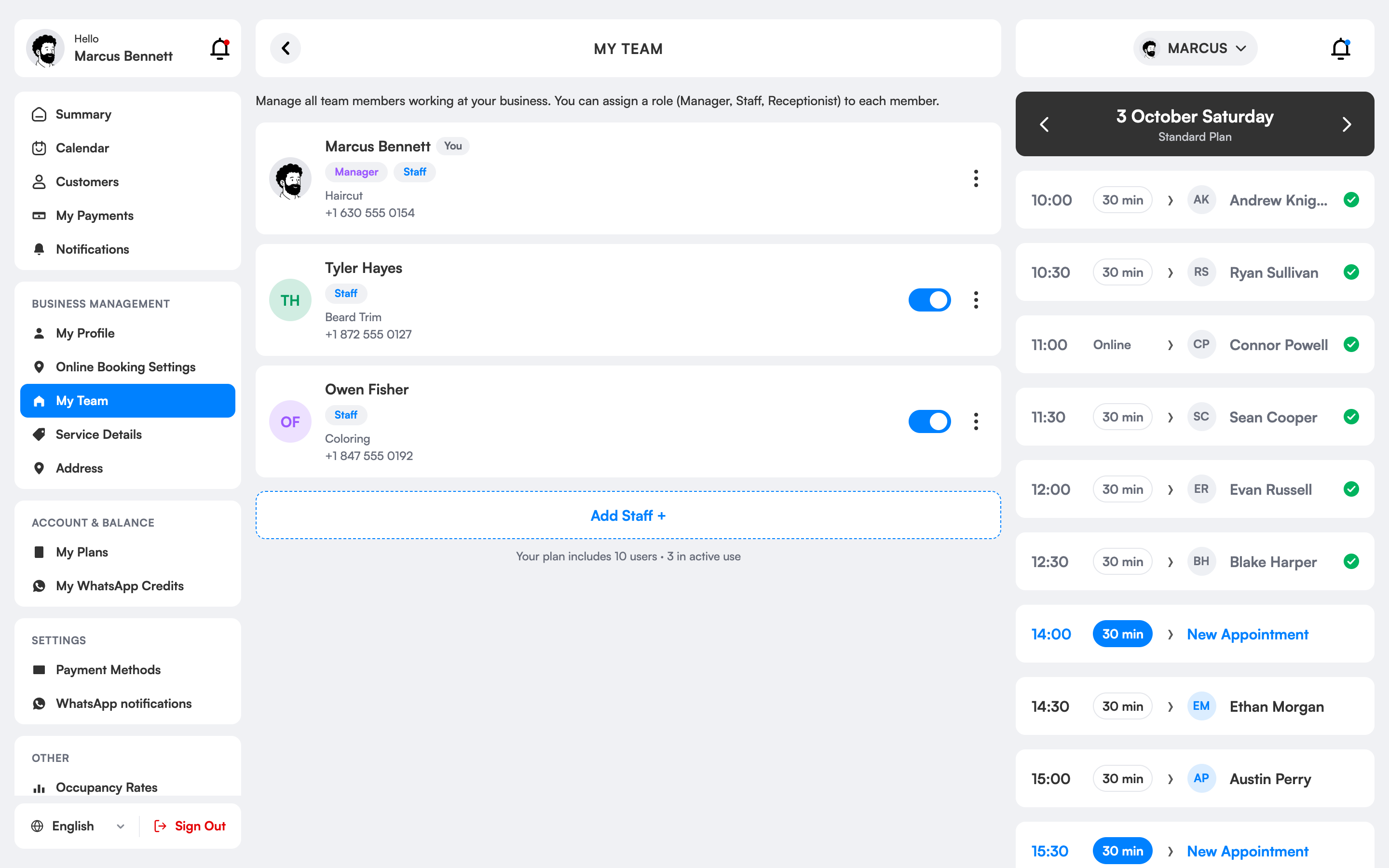
How do salon staff management and permissions work?
In a growing salon, everyone reaching all information is both a mess and a security risk. 3 Numara has three roles: the manager sees all bookings, payments and occupancy; the receptionist books for all employees; an employee sees only their own bookings and payments.
You invite a new employee by phone or e-mail, assign a colour and speciality and define their schedule; they start working within minutes. When you deactivate a departing employee, past records are kept.
You can add up to 1 user on Single User, 10 on Small Business and 20 on Large Business.
Team and roles, which salons is it right for?
Growing salons
Adding a new employee takes minutes; everyone works only within their own permissions and you stay in control.
Those who want to hide turnover
Cash and report screens stay open only to those with manager permission; an employee sees their own payments.
Those with receptionists
The receptionist books for all employees but can’t access financial screens; the duty boundary is clear.
Businesses with several specialists
Each specialist has their own colour, schedule and calendar; when one leaves their record is deactivated and history is kept.
The difference between the old way and 3 Numara.
FAQ
Can my employees see everything?
No. Employees see only their own appointments and payments; managers and receptionists handle everything.
How many employees can I add?
Up to 1 user on Single User, 10 on Small Business and 20 on Large Business.
Can I give salon employees different permissions?
Yes. With manager, receptionist and employee roles you decide who sees which screen and what they can change.
How many users can I add?
You can add up to 1 user on Single User, 10 on Small Business and 20 on Large Business.
Can an employee see their own bookings?
Yes. Each employee sees their own daily schedule and clients.
Are a departing employee’s records deleted?
No. When you deactivate an employee their access closes while past booking and payment records are kept.
How do I invite an employee?
You invite by phone number or e-mail, assign a colour and speciality, and define the work schedule.
A team of five, one system.
Reception opens every employee’s daily schedule on one screen.
Staff see only their own appointments and payments.
The manager follows who is how booked, and collections.
Invite your team today.
Try 1 month free; setup takes 10 minutes, no commitment.