 Deutsch
 English
 Español
 Français
 Italiano
 Nederlands
 Türkçe
WhatsApp appointment reminders: fewer forgotten bookings and cancellations.
The moment an appointment is booked, date, time, specialist and service go to the client’s WhatsApp; an automatic reminder follows 2 hours before. Clients don’t forget and warn you in advance if they can’t come, so you can offer the freed slot to someone else.
Instant information
The moment it’s booked, the client has date, time, specialist and service.
Reminder 2 hours before
Fewer forgotten bookings and empty chairs.
You stay in control
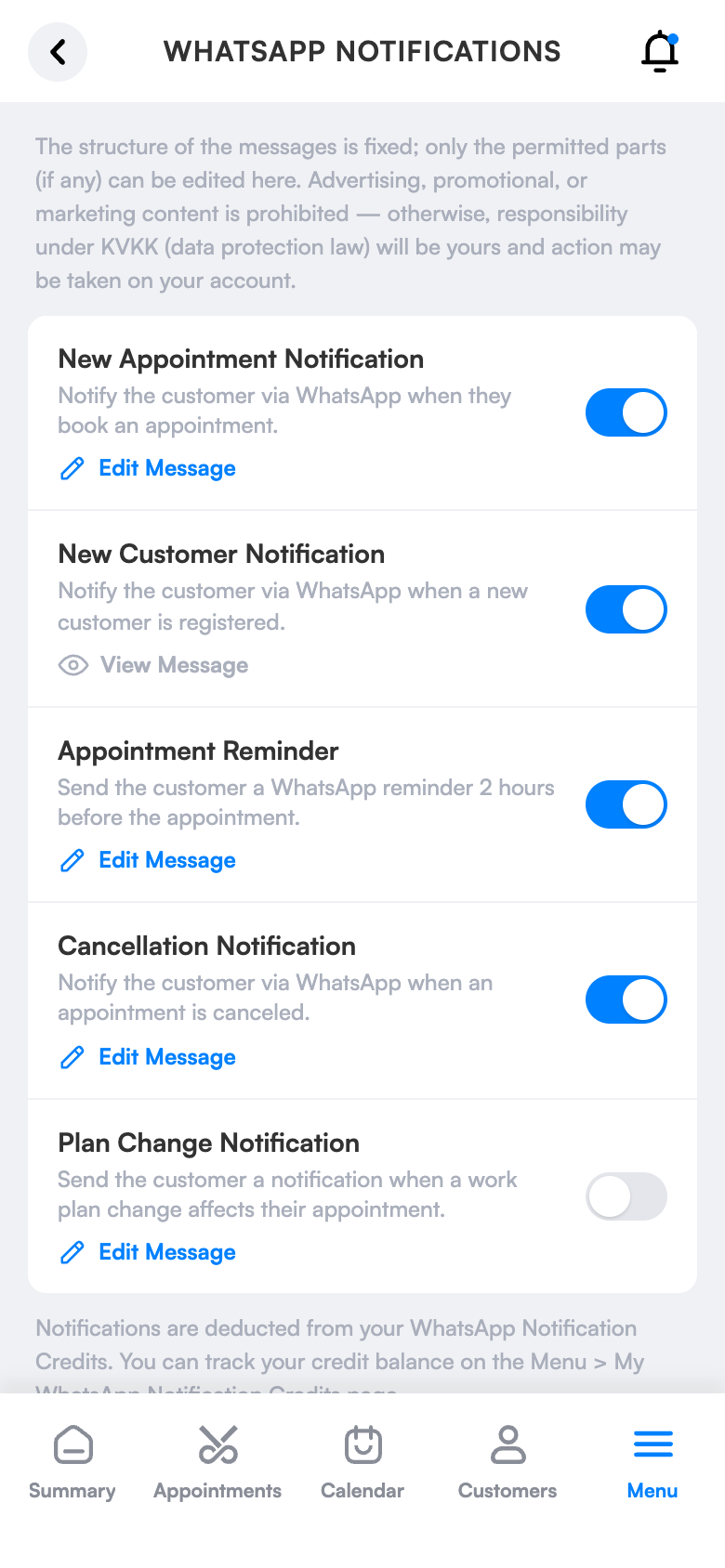
You choose which messages go out.
What does it bring to your salon?
Every no-show is an empty chair and lost revenue. Automatic booking notifications and reminder messages reduce last-minute cancellations and forgotten appointments.
Booking details instantly
The moment a booking is made, date, time, specialist and service reach the client’s WhatsApp.
Reminder 2 hours before
Clients don’t forget; no-shows and empty chairs go down.
Cancellation and change notice
When an appointment is cancelled or the schedule changes, the client is informed automatically.
Welcome for new clients
A welcome message on first registration; make a professional first impression.
Daily summary
The day’s appointments in a single message.
You decide what gets sent
Turn each message type on or off separately and see the outgoing text in a preview.
Simple screens, everything one tap away.
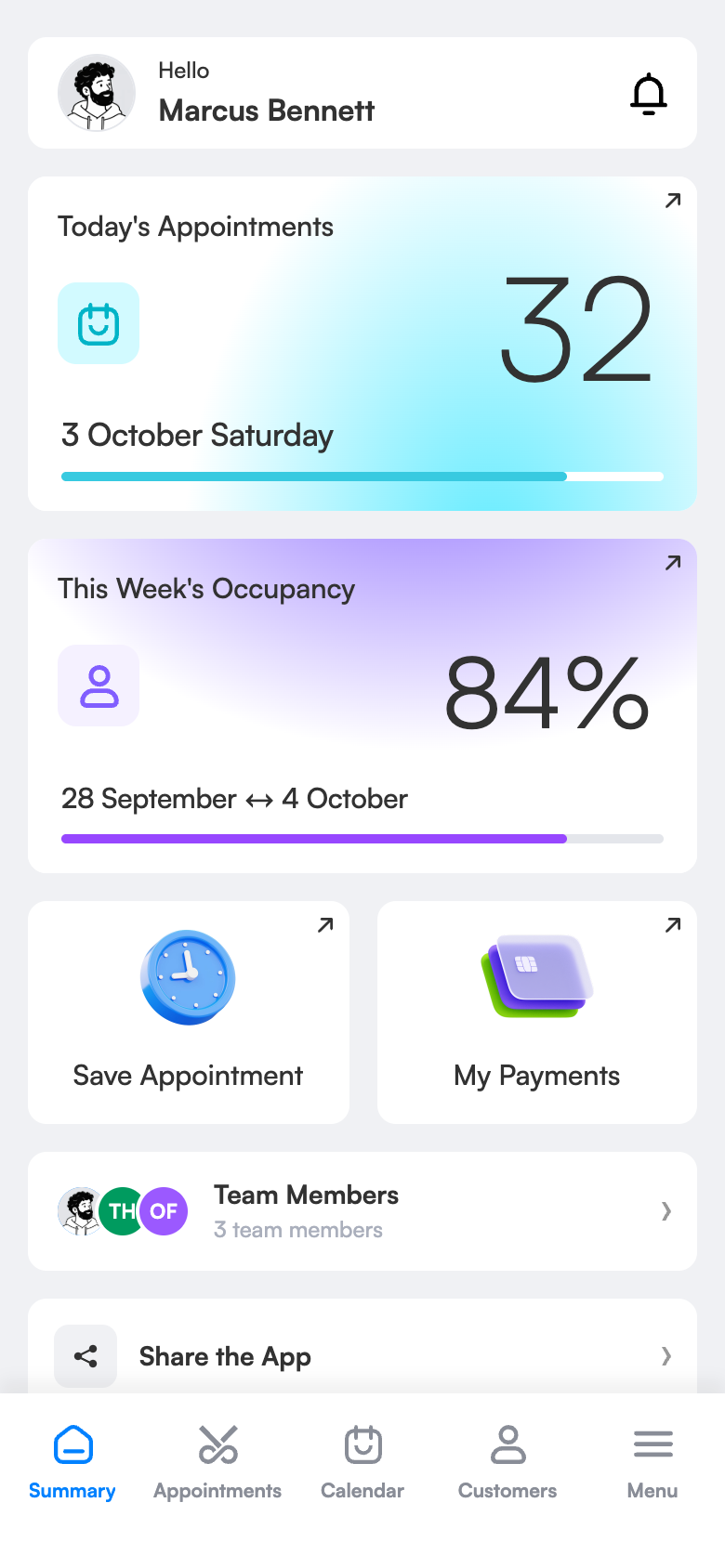
The right message, at the right time, automatically.
There are six message types; each goes out by itself when something happens in your salon. Tap a type and watch how it looks on the phone.
 Atölye Men’s Barber
Ready in three steps.
No technical knowledge or training is needed for setup. Configure once and the rest runs by itself.
Try 1 month freeChoose the messages
On the WhatsApp notifications screen, turn on the messages that should go out.
Book the appointment
You book it or the client books online; the info message goes out immediately.
Leave the rest to the system
The reminder goes out by itself 2 hours before. You get a warning when credit runs low.
The same screen on your computer.
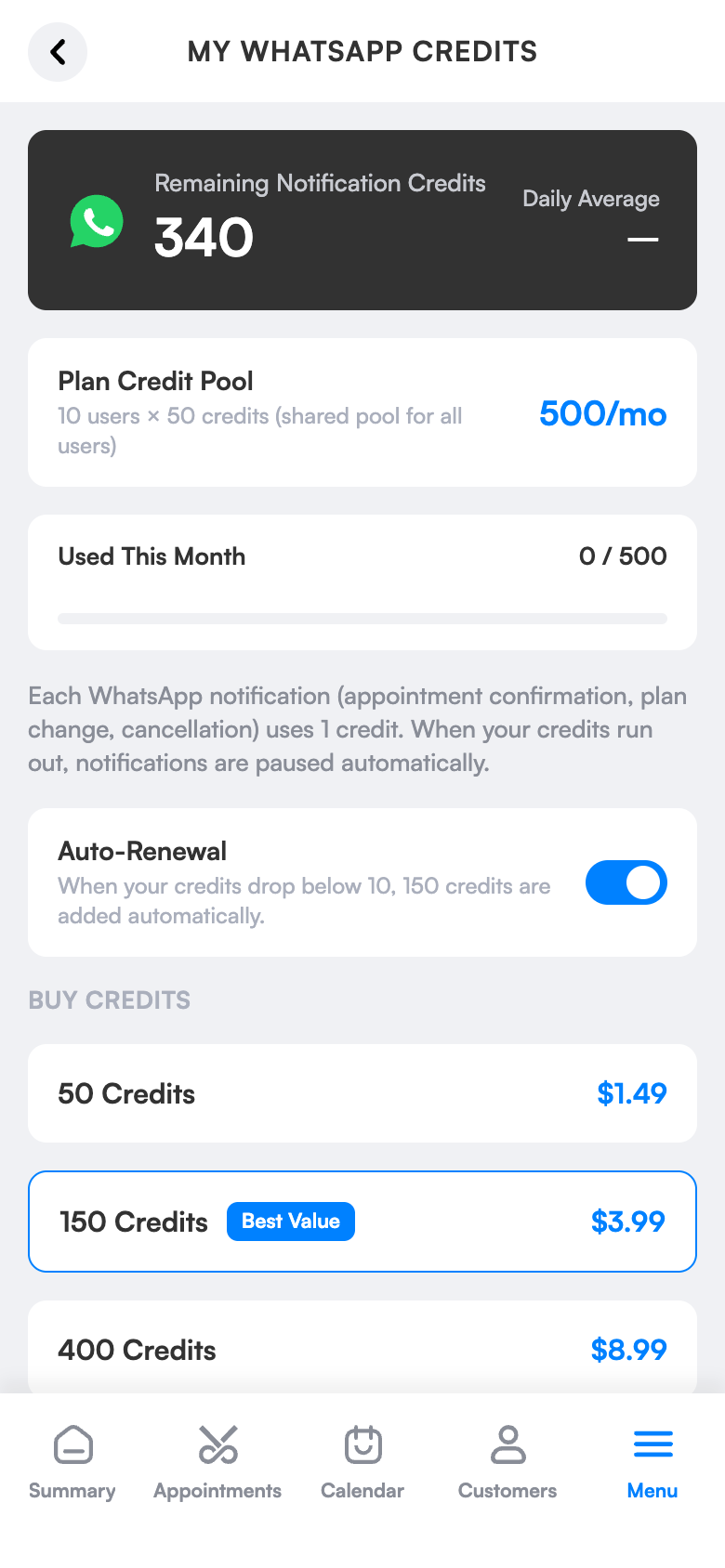
WhatsApp credit balance and packs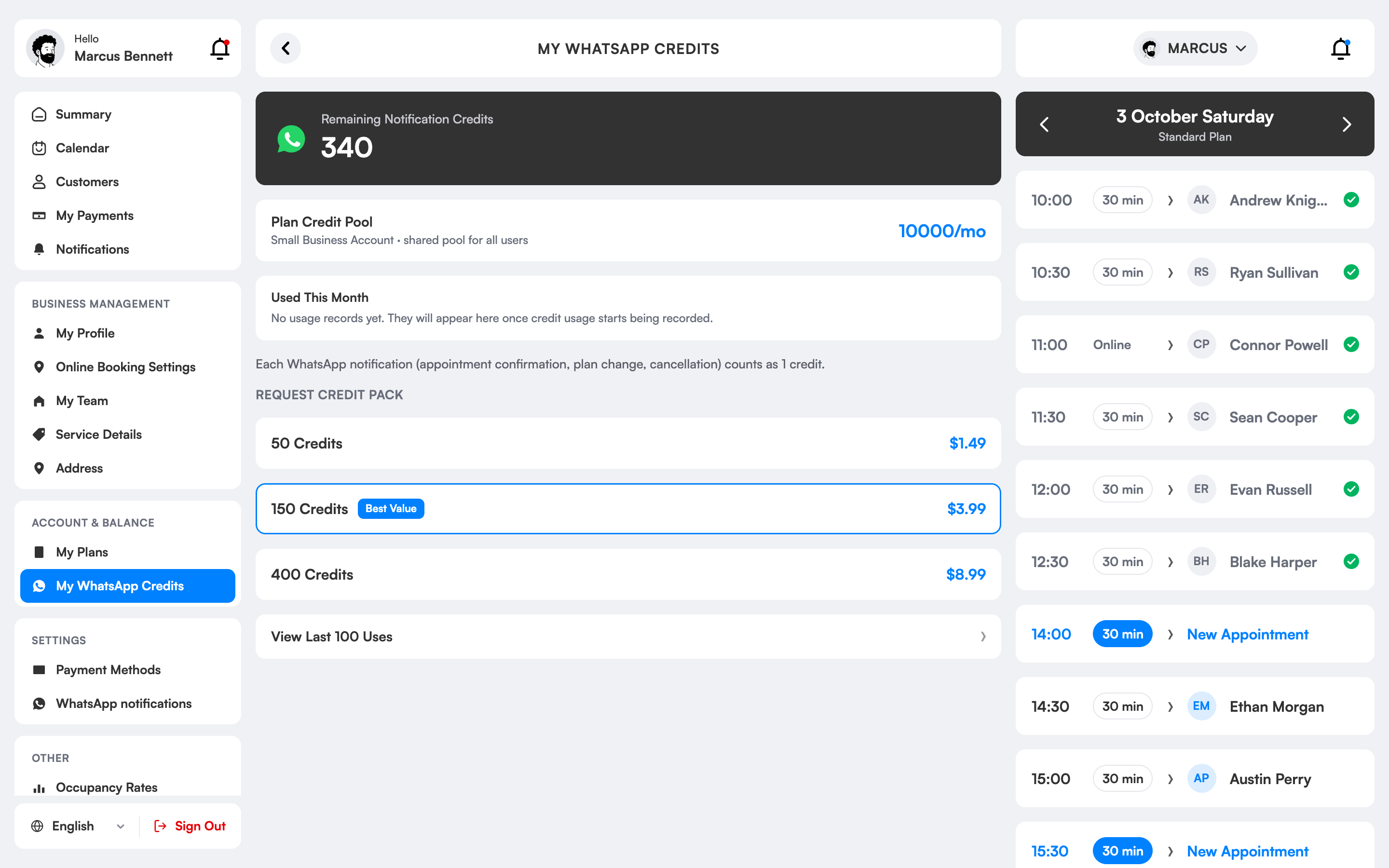
Why is a WhatsApp appointment reminder important?
The quietest cause of lost income in salons is forgotten bookings. The client doesn’t note it, forgets during the day and doesn’t come; that slot goes empty. WhatsApp is the app clients check many times a day, so a reminder is very likely to be seen.
In 3 Numara the info message goes out the moment a client’s booking is created. The reminder is delivered automatically 2 hours before. On a cancellation or schedule change the client is again informed automatically; you never write messages by hand.
You decide which messages go out: turn each type on or off and see the outgoing text in a preview. When the WhatsApp credit in your plan runs out you’re warned and can buy an extra pack.
WhatsApp notifications, which salons is it right for?
Salons tired of no-shows
A client who forgets means an empty chair and lost income. A reminder before the appointment makes the client either come or say in advance they can’t.
Those with a busy diary
Writing to dozens of clients one by one during the day is impossible. Messages go out by themselves when a booking is made and at reminder time; your team’s time stays for clients.
Businesses winning new clients
A client who gets tidy, professional messages from the first booking finds the salon more trustworthy. The right information is delivered the same way every time.
Teams with many staff
The same standard message goes out for every employee’s booking. Whoever enters the booking, the client gets the same clear information.
The difference between the old way and 3 Numara.
FAQ
Are WhatsApp messages paid?
Every plan includes monthly WhatsApp credit (1,000 / 10,000 / 20,000). When it runs out you can buy extra packs from $1.50.
Does it send SMS too?
No, the notification channel is WhatsApp.
Do appointment reminder messages really reduce cancellations?
Clients don’t forget and tell you in advance if they can’t come, so last-minute cancellations and no-shows fall and the freed slot can go to someone else.
Does the client need to install an app?
No. The message goes to the WhatsApp on the client’s phone number; no extra app is needed.
Which messages are sent?
There are booking notifications, reminders before the appointment, cancellation and schedule-change messages; each can be turned on or off separately.
What if the client’s number doesn’t use WhatsApp?
The message isn’t delivered and the booking is unaffected; update the number on the client card so later messages arrive.
Everyone informed without writing a single message.
Reception records the booking; date and time go to the client right away.
The reminder message goes out by itself 2 hours before the appointment.
The next morning, the daily summary puts the day’s programme in front of you.
Let your first reminder go out tomorrow.
Try 1 month free; setup takes 10 minutes, no commitment.