
 Deutsch
 English
 Español
 Français
 Italiano
 Nederlands
 Türkçe
Notification centre and support: everything in the salon, instantly in your hands.
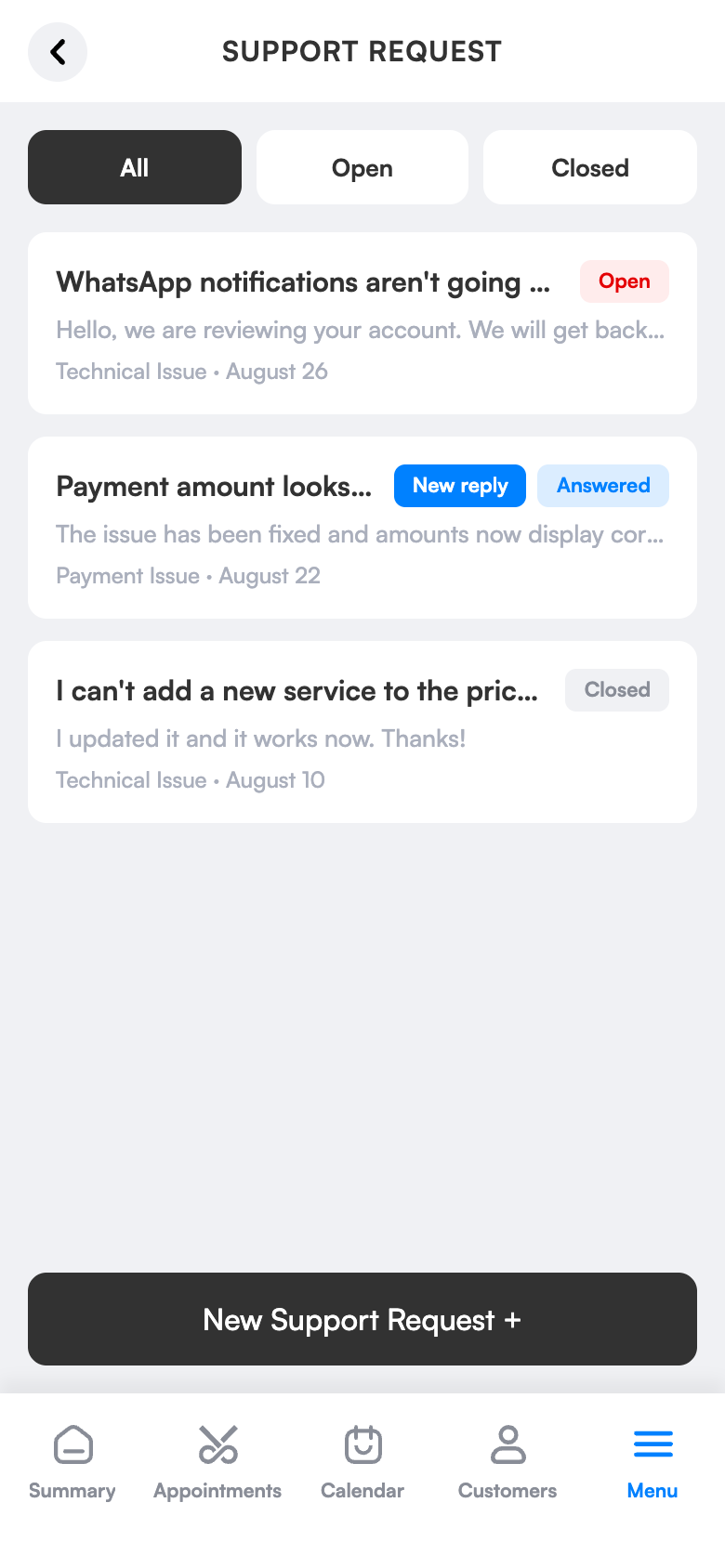
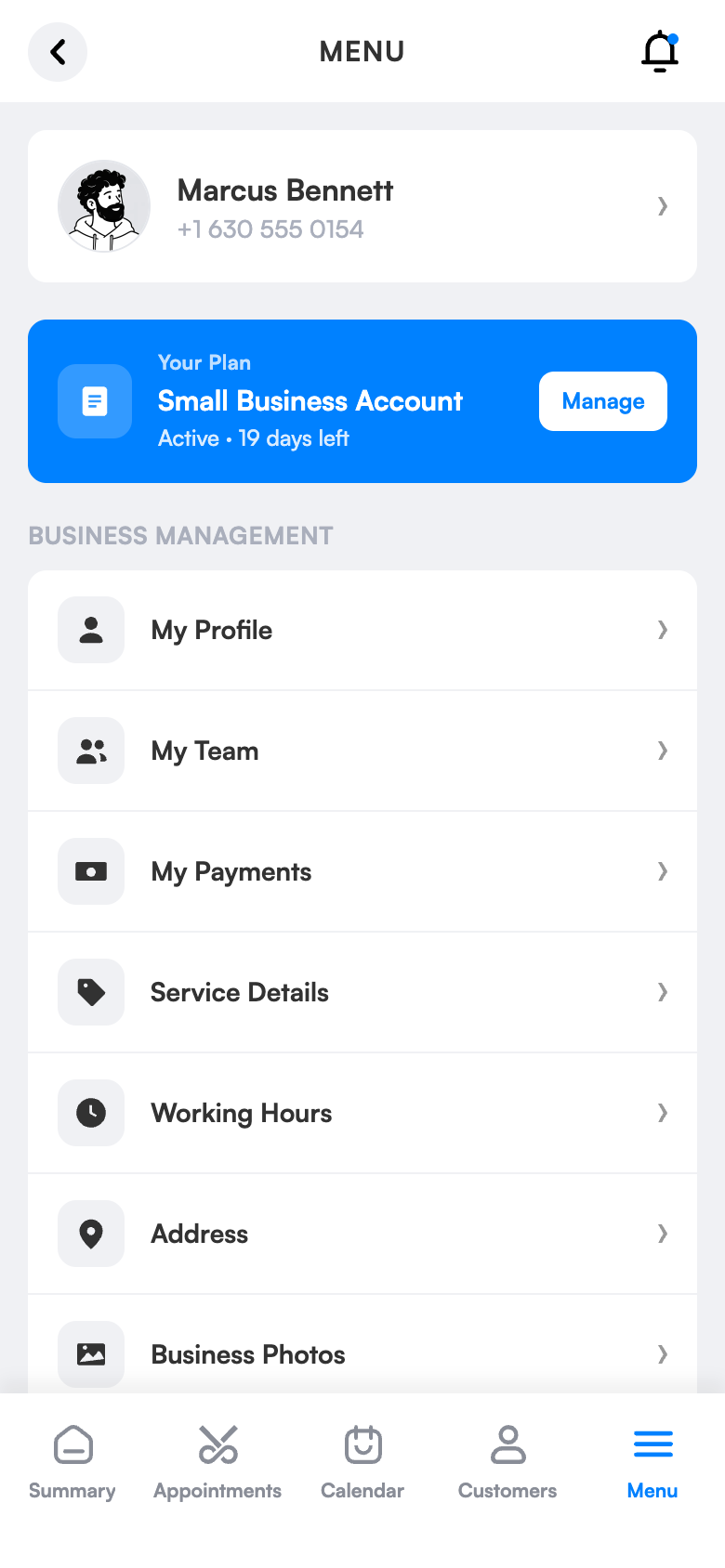
New bookings, cancellations, payments and team changes reach your notification centre instantly; you decide which role sees what. When you’re stuck, write to support right from the app and follow the answer in the same place.
Instant notifications
24 notification types, unread indicator.
In-app support
Open a request and chat with our team.
Status tracking
Open, answered, closed.
What does it bring to your salon?
You know what’s happening even when you’re not at the salon; when you need help you open a request in the app instead of hunting for a phone number.
Be informed instantly
24 notification types, unread indicator, filter by role.
Help is one tap away
Open a support request in the app and chat with our team.
Know the status
Track Open, Answered and Closed statuses.
Simple screens, everything one tap away.
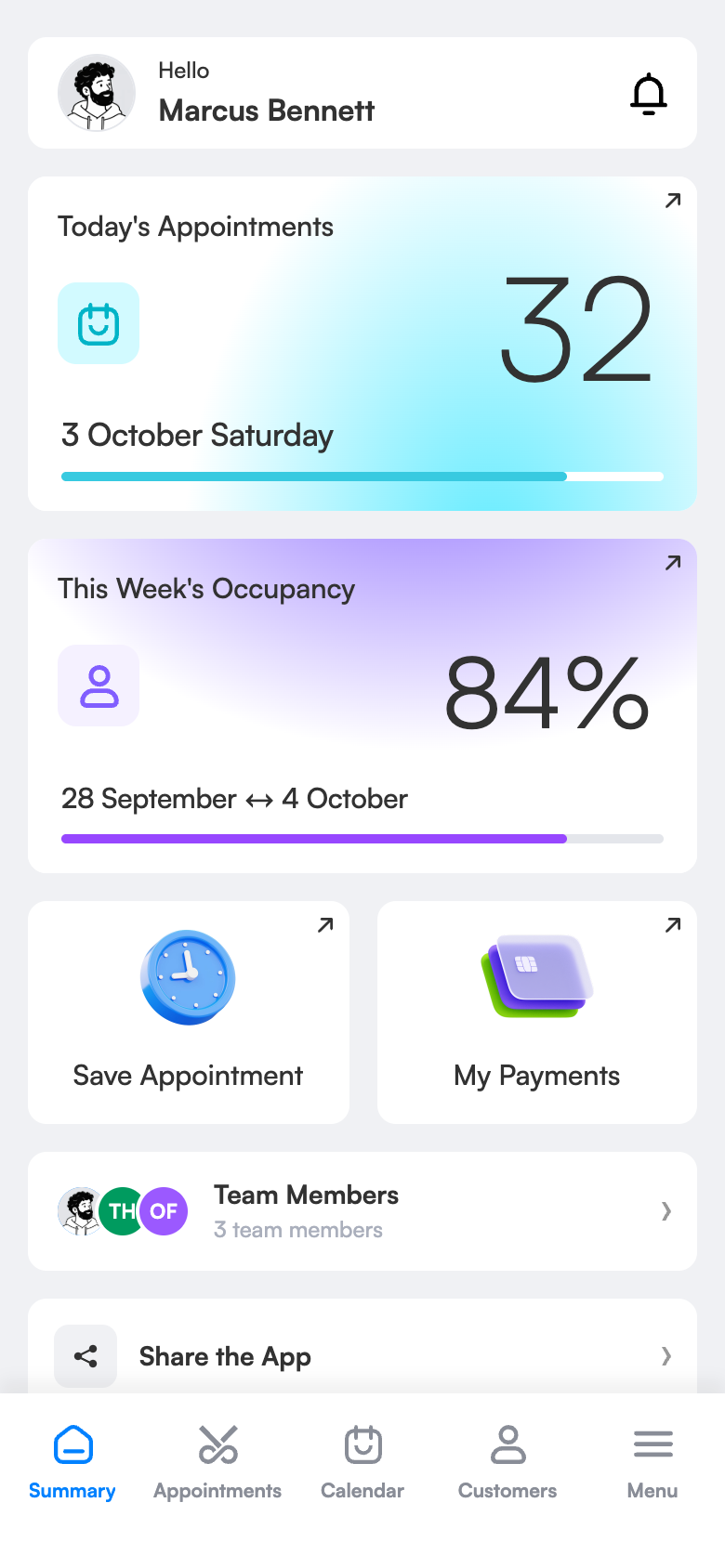
Ready in three steps.
No technical knowledge or training is needed for setup. Configure once and the rest runs by itself.
Try 1 month freeTurn on notifications
You decide which role sees what.
Follow along
Unread items are marked.
Ask for support
Open a request and continue the conversation in the app.
The same screen on your computer.
Support requests and conversation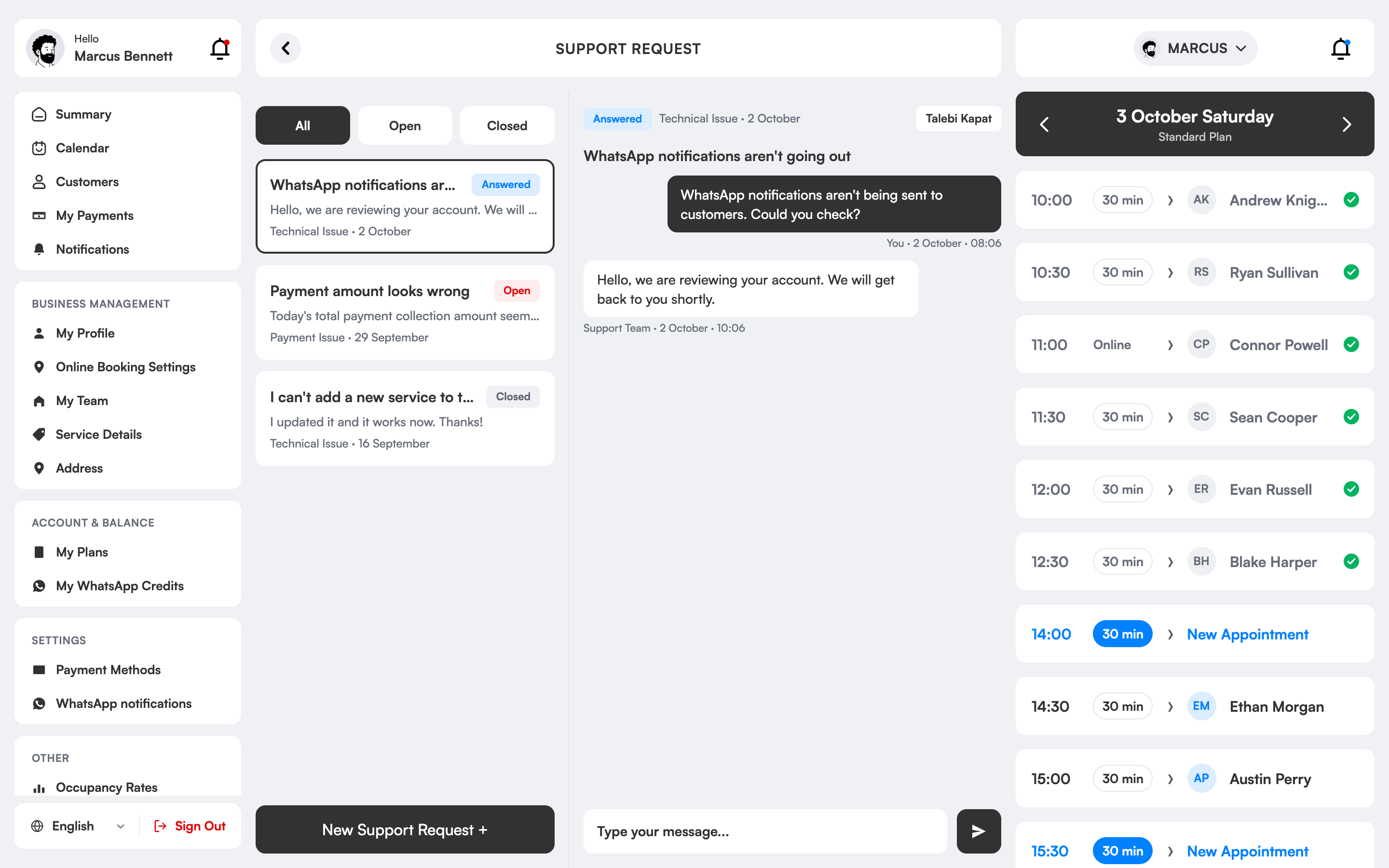
How do notifications and support work in the salon app?
The notification centre gathers the important events in your business in one list: new booking, cancellation, payment, team change and more. There are 24 notification types; unread ones are marked and you can filter by role.
When you hit a problem you open a request from the Support screen in the app. You follow its status as Open, Answered and Closed and continue the conversation from the same screen.
That way you stay informed even when you’re not at the salon and get help with a technical issue without waiting.
Notifications and support, which salons is it right for?
Owners away from the salon
New bookings, cancellations and payments reach your phone instantly; you know what’s happening even when you’re not at the salon.
Businesses with many bookings
No change goes unnoticed; events sit in the notification centre in date order with an unread marker.
Beginners
During setup and first use, your questions are answered quickly via a support request opened from the app.
Those with little technical knowledge
With a simple interface and guidance, the need for support is minimal; if you need it, the support team is with you.
The difference between the old way and 3 Numara.
FAQ
How do I reach the support team?
Open a request from the Support screen in the app and follow the replies in the same place.
How do notifications work in the salon app?
New bookings, cancellations, payments and team changes reach your notification centre; you can filter by role.
Can I get help with setup?
Yes. The setup guide and the support team help you do your first salon settings.
How many different notification types are there?
There are 24 different notification types; bookings, cancellations, payments and team events are among them.
Can I separate notifications by role?
Yes. Which role sees which notification is set by role.
Informed about everything even when you’re not at the salon.
The new online booking notification reaches your phone.
A cancellation happens; you see it right away in the notification centre.
If you get stuck, you open a support request from the app.
Hire your assistant today.
Try 1 month free; setup takes 10 minutes, no commitment.