
 Deutsch
 English
 Español
 Français
 Italiano
 Nederlands
 Türkçe
Salon work schedule: every employee’s days, hours and shifts in one place.
Set up a standard, flexible, queue-based or fully custom plan and assign any plan to any day. Define special hours for holidays, eves and busy periods. Appointments are only booked in open hours; nothing lands in non-working time.
Four schedule types
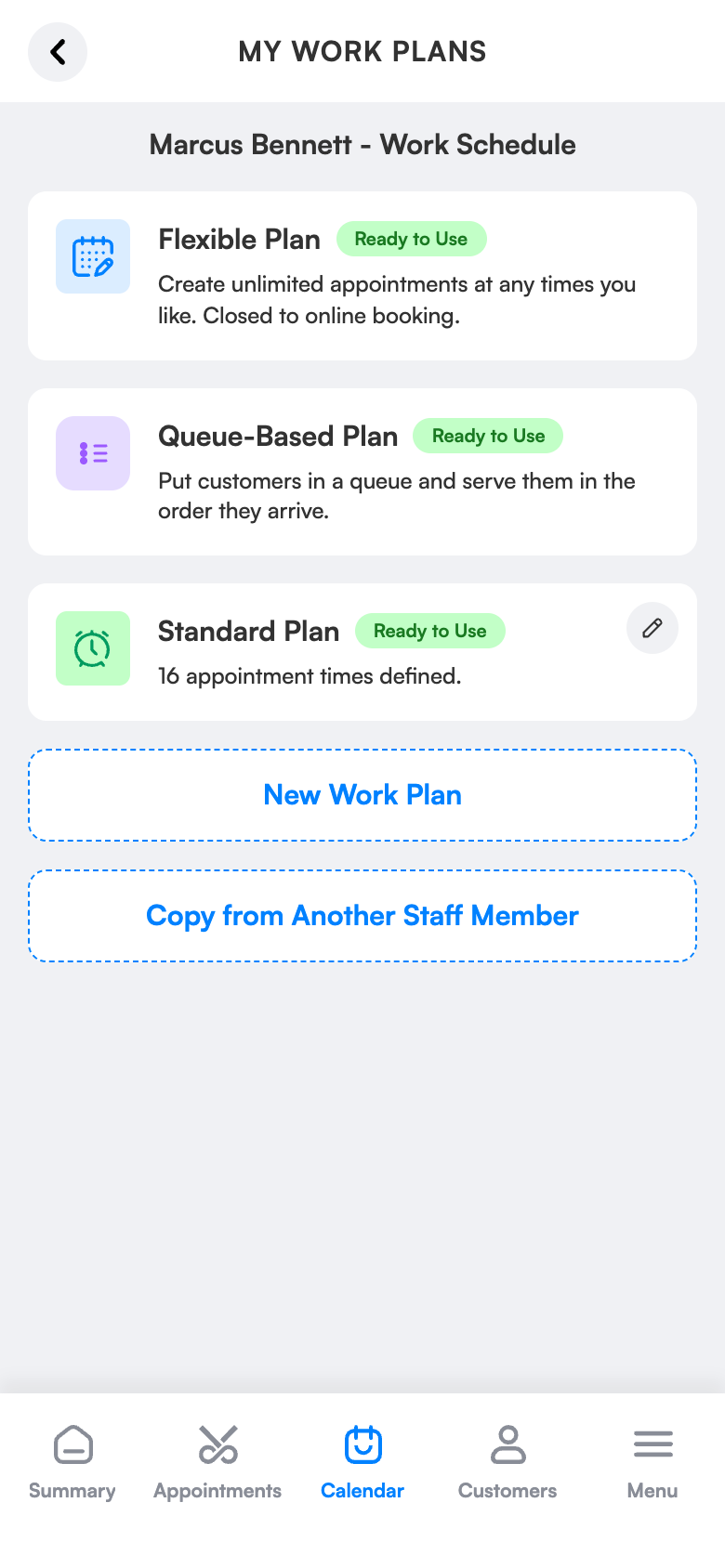
Standard, flexible, queue-based and custom plans.
Plan by day
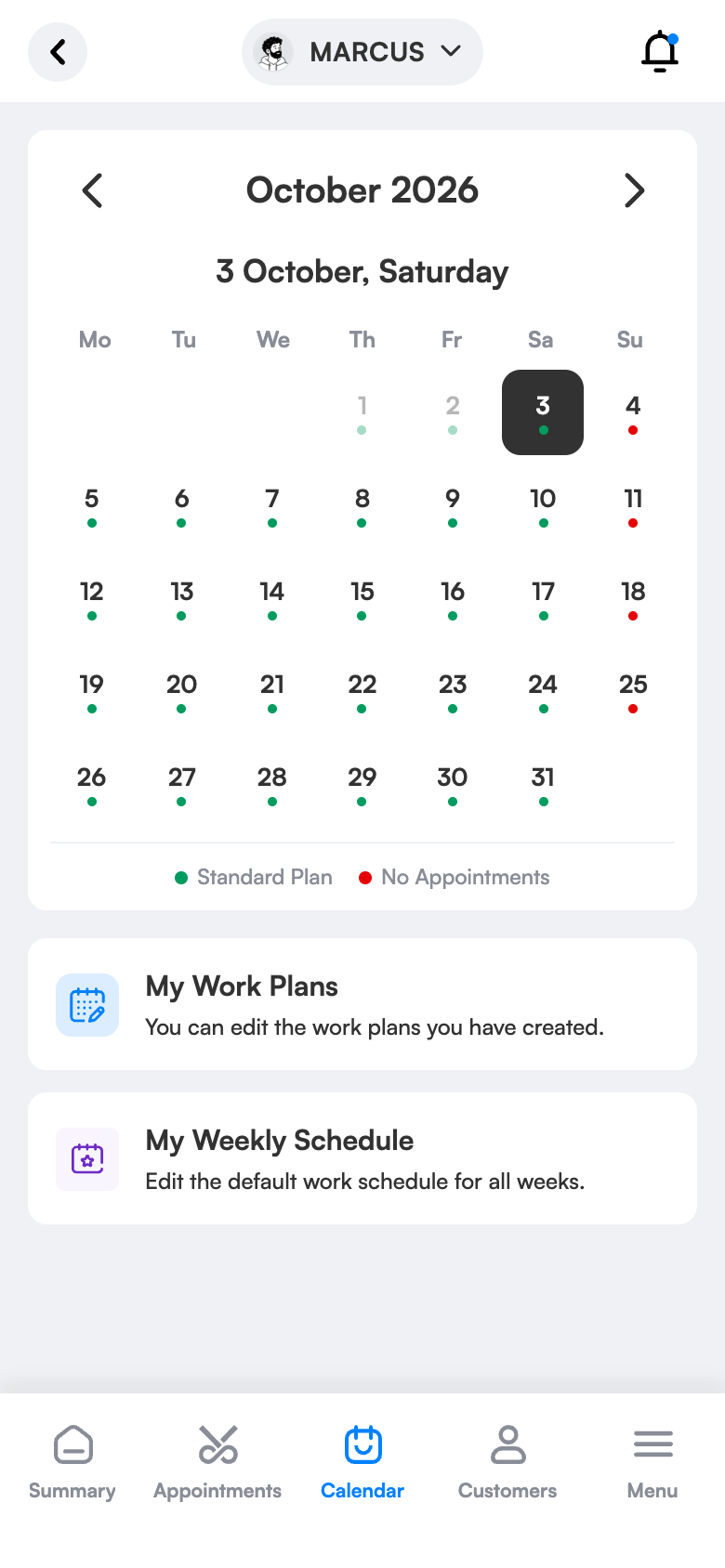
Assign any plan to any day.
Special days
Hours specific to the holiday and its eve.
What does it bring to your salon?
No two salons work alike: timed slots on weekdays, queue order on Saturdays, extended hours before holidays. Work schedules manage all of it in one system; no paper rota or constant updating.
Four schedule types
Standard (fixed slots), Flexible (duration per service), Queue-based (in order of arrival) and Custom.
Plan by day
Standard on weekdays, flexible on Saturday; assign a different plan to each day.
Holidays and special days
Pick the date in the calendar and apply a special plan or close the day.
A separate schedule per employee
Weekly schedule per employee, valid all year.
Keep the client informed
When a plan changes, clients with affected bookings are notified automatically.
Squeeze in
When there’s no gap, add the client at the current time; no one gets turned away.
Simple screens, everything one tap away.
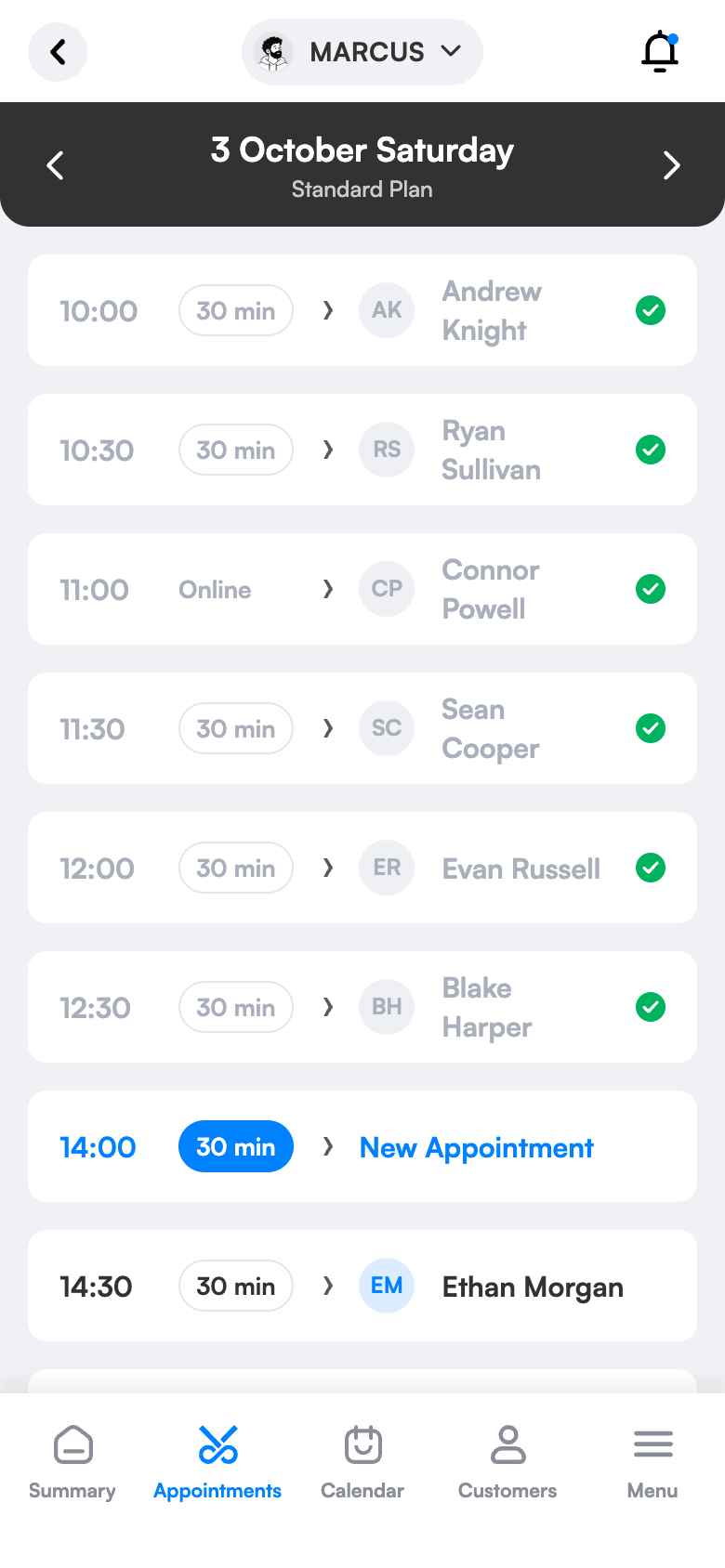
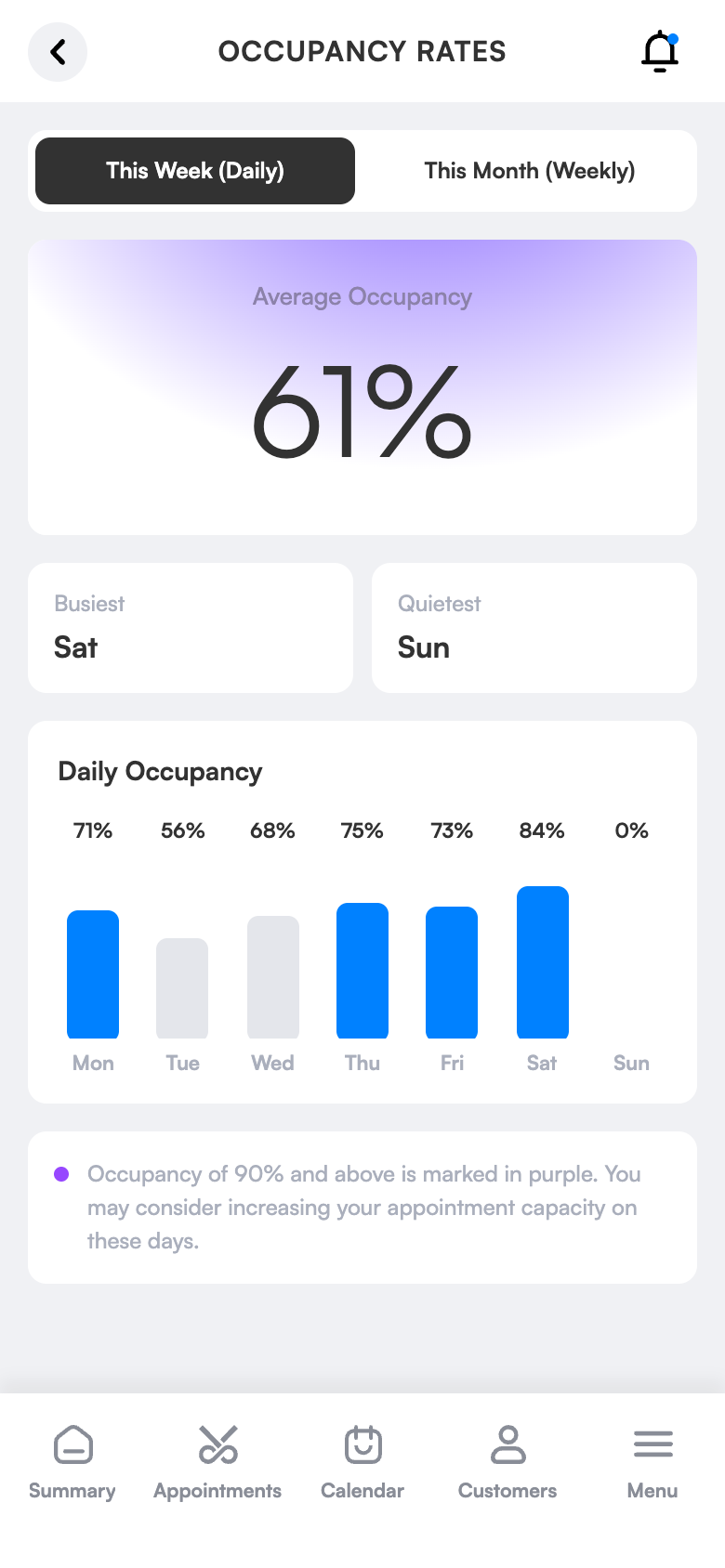
Four schedule types, an answer for every way of working.
Ready in three steps.
No technical knowledge or training is needed for setup. Configure once and the rest runs by itself.
Try 1 month freeChoose or build your plan
Pick a ready-made plan type or build your own hours.
Place it in the week
Assign a plan to each employee by weekday.
Mark special days
For holidays, eves or vacations, assign a date-specific plan from the calendar.
The same screen on your computer.
Work schedule cards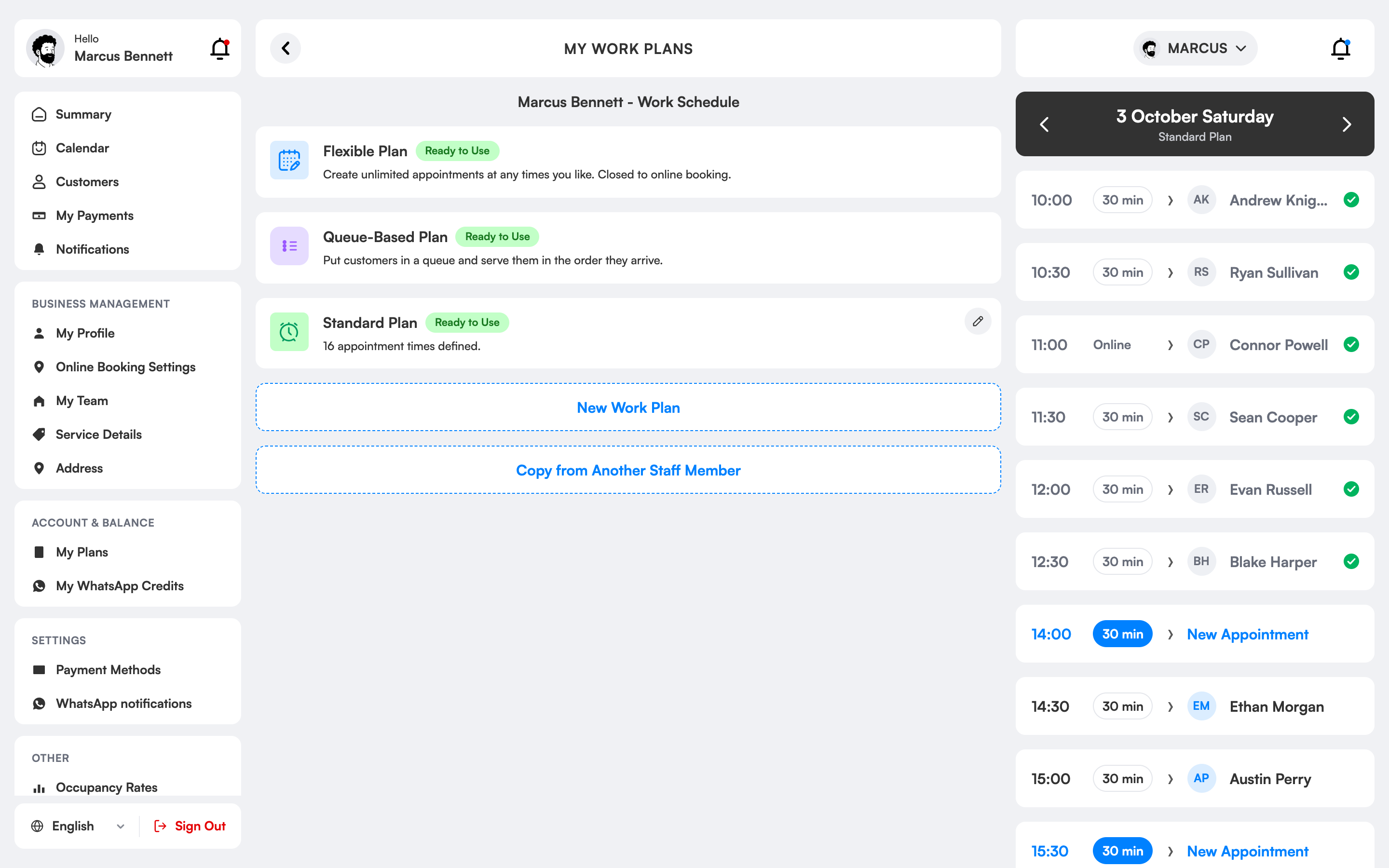
How is a salon work schedule prepared and why does it matter?
A work schedule defines which days and between which hours each employee in your salon serves. The booking system calculates free times from it; clients can only book hours when you are genuinely available.
3 Numara has four plan types: a standard plan with fixed slots, a flexible plan that stretches with service duration, a queue-based plan that works in order of arrival and a custom plan with your own rules. You can assign plan types to each day of the week separately.
For days such as holidays, eves or leave weeks you can pick the date in the calendar and apply a plan just for that day, or close it completely. When a plan changes, clients with affected bookings are informed on WhatsApp.
Work schedules, which salons is it right for?
Salons with many staff
Every employee’s days and hours differ. Once a schedule is defined, bookings are only made in the hours that person works, and unavailable times aren’t shown to clients.
Teams working in shifts
Morning and evening shifts and different start and end times are managed within one plan; the rota isn’t redrawn for a shift change.
Those who change hours seasonally
Working hours change in summer, winter, Ramadan and holidays. You define the plan for those periods once and apply it by date.
Those with part-time staff
For specialists who come only some days, you open only those days; on other days clients can’t choose that specialist.
The difference between the old way and 3 Numara.
FAQ
Can I work different hours on holidays?
Yes. Pick the day in the calendar and assign a date-specific plan; other days are unaffected.
What happens to bookings if I change my schedule?
Clients with affected bookings are notified, and you see the situation in the calendar.
How is a salon work schedule prepared?
You select the employee, choose the plan type and mark days and hours. As soon as it’s saved it shows in the booking calendar.
How do I set holidays and leave days?
With a special-day plan you close those dates or define different hours; no bookings are made on those days.
Can employees see their own schedules?
Employees see their own schedules and bookings within their permissions; scheduling authority stays with the manager.
What is the difference between the four plan types?
The standard plan uses fixed slots, the flexible plan follows service duration, the queue plan works in order of arrival; in a custom plan you write the rules yourself.
Can I assign a different plan to each day of the week?
Yes. You can define a separate plan for each day and apply a different pattern to weekdays and weekends.
Even holiday week is ready in a few taps.
Standard plan on weekdays, flexible on Saturday; a separate schedule per employee.
Pick the day in the calendar and assign a short-hours plan for the eve.
You close the holiday days; affected clients are notified automatically.
Set up your work routine today.
Try 1 month free; setup takes 10 minutes, no commitment.